> ## Documentation Index
> Fetch the complete documentation index at: https://laminar.sh/docs/llms.txt
> Use this file to discover all available pages before exploring further.
# Playground
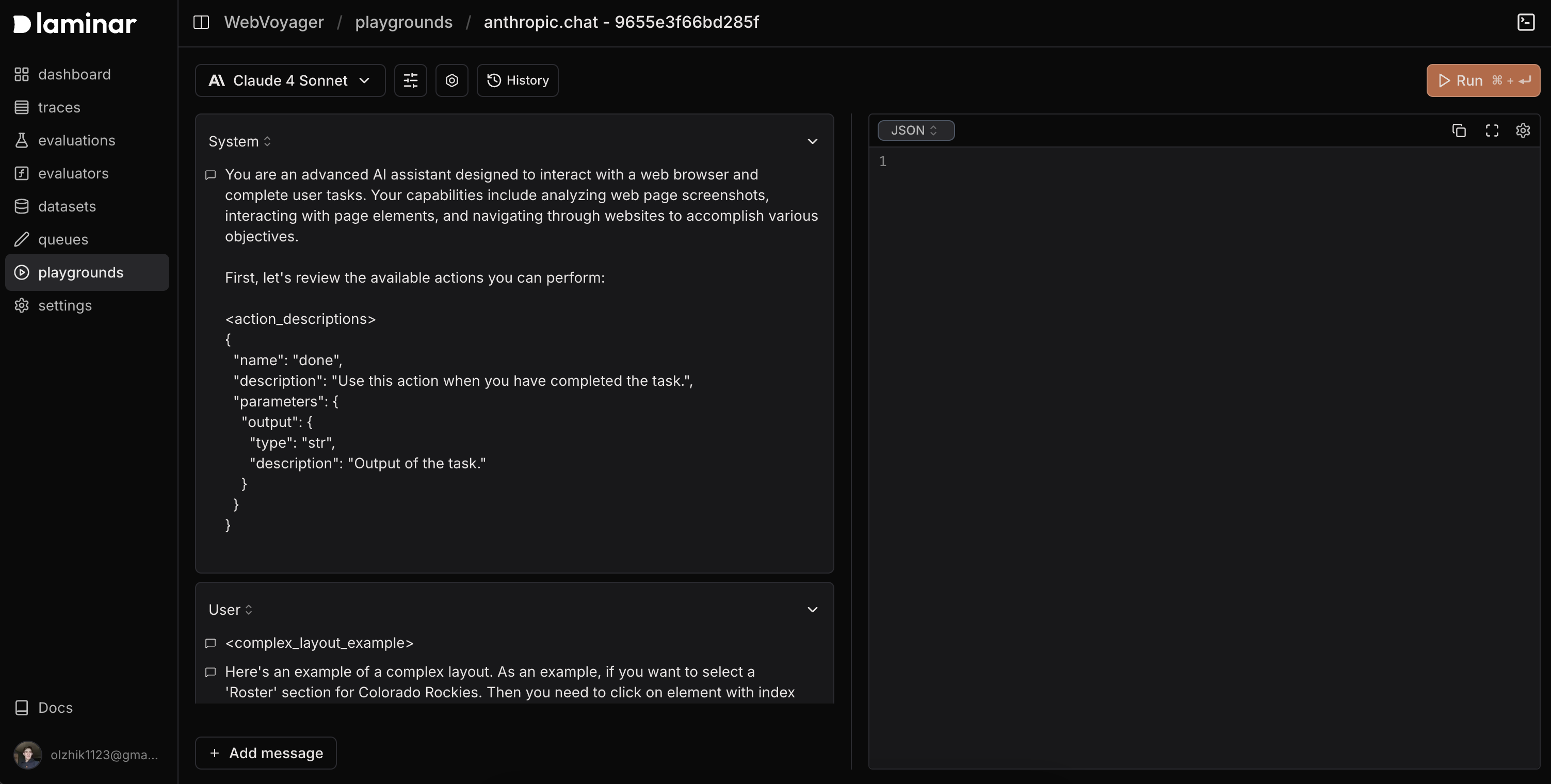
Playground is an interactive sandbox to experiment with prompts, models, and tools—either from scratch or directly from traced spans.
## What You Can Do
* **Prompt experimentation**: Test prompt variations and inputs with instant results.
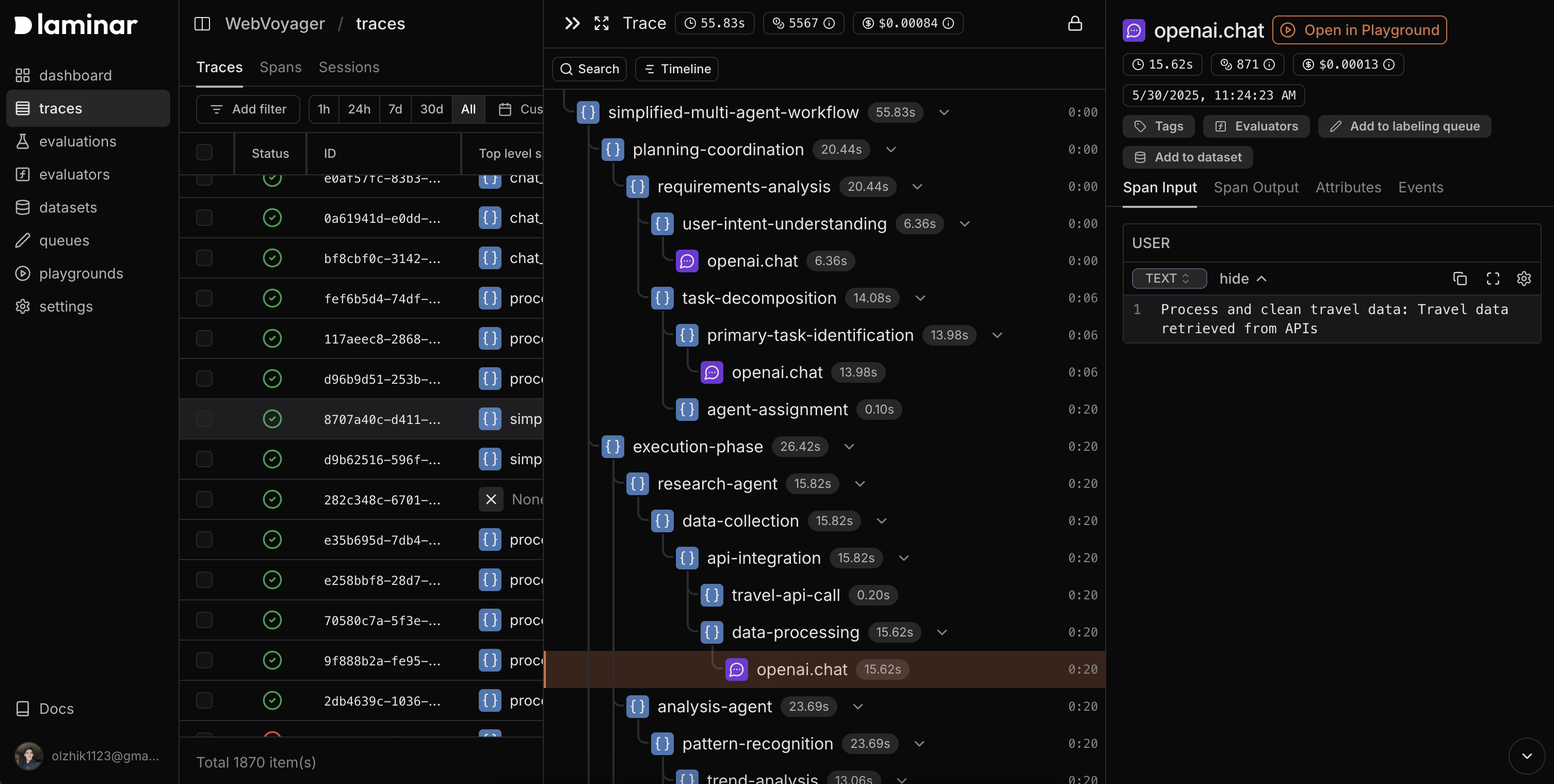
* **Open from spans**: Reproduce exact configurations from any span with **Open in Playground**.
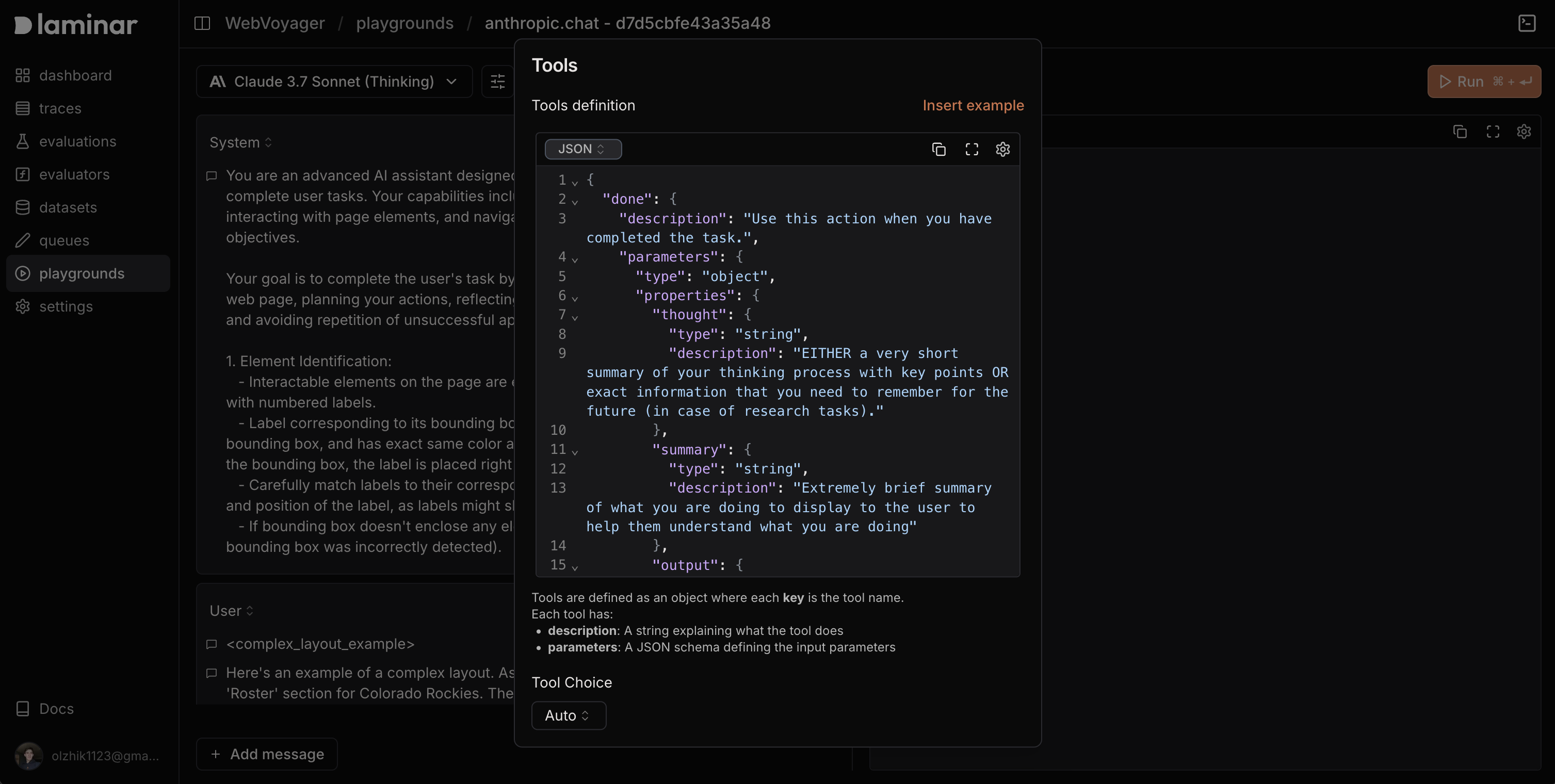
* **Tool integration**: Configure and test custom tools that models can call.
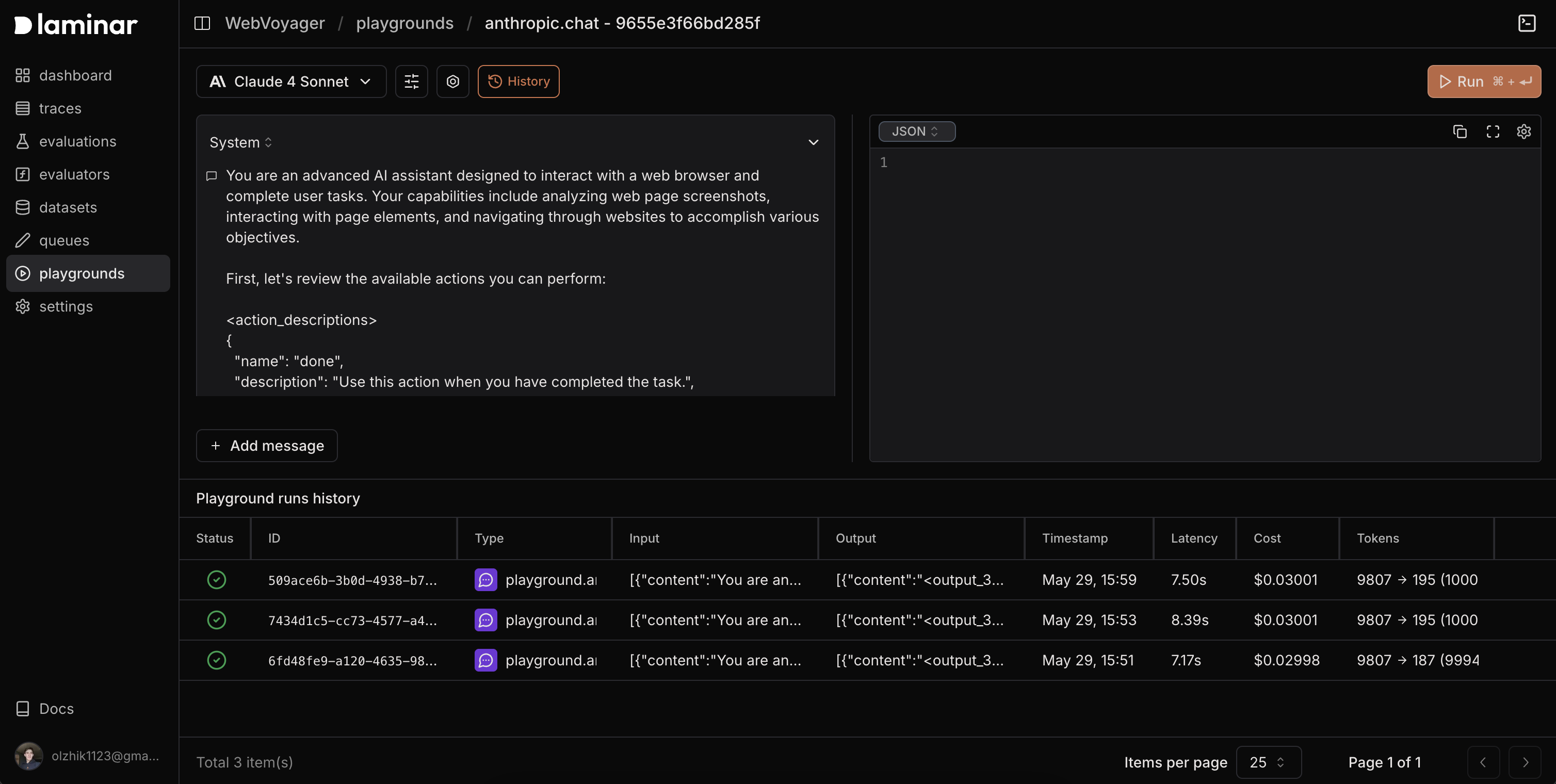
* **Session history**: Review and replay past runs with full context.
To access the playground:
1. In the Laminar dashboard, click **New playground**.
2. Choose a model and start experimenting—or open directly from a span.
## Start from Scratch
* Create a new playground to iterate quickly.
* Send requests, view responses, and compare outputs side by side.
* Save versions to revisit later.
## Start from a Span
Click **Open in Playground** on any LLM span; the playground inherits:
* **Model settings** (model, temperature, token limits, thinking tokens)
* **Images** and input formatting
* **Tools** and tool configuration
* **System prompts** and message history
This removes the need to recreate complex requests—tweak and rerun immediately.
## Tools
Add tools so models can call functions during a session. Tools are defined as JSON with function names, descriptions, and parameter schemas; choose when tools are allowed (`none`, `auto`, `required`, or a specific function).
**Example tool config**
```json theme={null}
{
"searchDatabase": {
"description": "Search for information in the company database",
"parameters": {
"type": "object",
"properties": {
"query": { "type": "string", "description": "Search query or keywords" },
"category": {
"type": "string",
"enum": ["users", "orders", "products"],
"description": "Database category to search"
},
"limit": {
"type": "number",
"description": "Maximum number of results to return",
"default": 10
}
},
"required": ["query", "category"]
}
}
}
```
Learn more about tool choice options in the [AI SDK documentation](https://ai-sdk.dev/docs/ai-sdk-core/tools-and-tool-calling#tool-choice).
## History
Every playground run is saved. The **History** tab shows:
* Full conversations (prompts and responses)
* Model configurations (model, temperature, tokens, etc.)
* Tool calls with inputs/outputs
* Performance metrics (latency, tokens, cost)
* Timestamps for each run
Open any past run to review, compare, or duplicate it for new experiments.