1. Export from a span
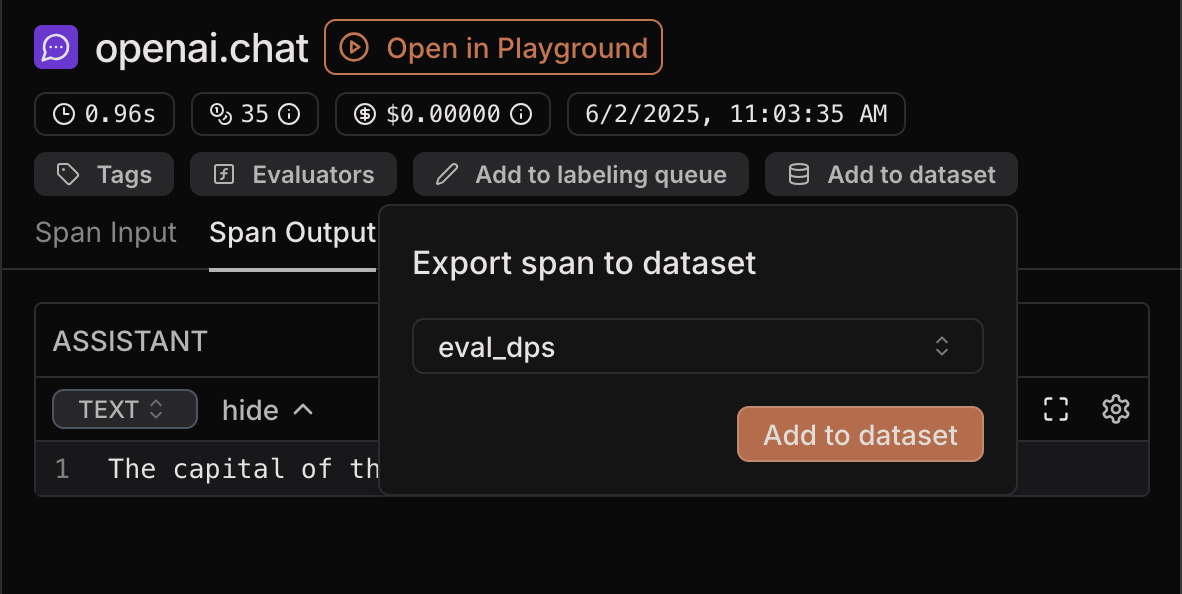
You can export a span as a datapoint from both Traces and Evaluation traces. To do so, select a span and click “Add to dataset” in the top right corner. Select the dataset you want to export to and click “Add to dataset”. This will fill thedata field of the datapoint with the input of the span and
the target field with the output of the span.
2. File upload
You can upload datapoints from a structured file. To do that, open the dataset, click Import file at the top of the page, and pick the file.File format
Supported file formats are:.csv, .json, .jsonl. We infer the format based on the file extension.
- csv - header is required, default separator and minimal quoting are assumed. If a row has an empty value or less values than headers, missing values will be filled with empty strings.
- json - the file must contain one array of datapoints.
- jsonlines - every line must contain one datapoint.
- If keys are
"data","target","metadata", and"id", we place them in the corresponding fields.- If we cannot parse
"id"as UUID, we assign it a new random UUID.
- If we cannot parse
- Otherwise, all keys and values will go inside
"data".
3. Add manually
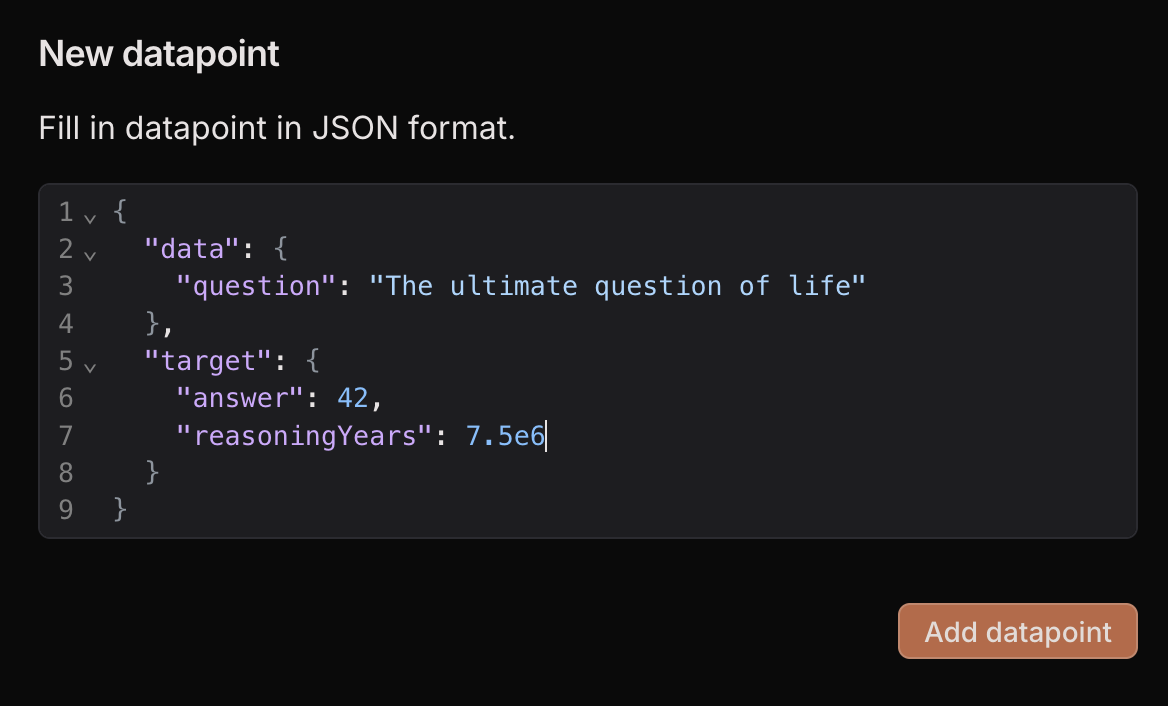
Open the dataset and click Add row at the top of the page. You can enter any value as long as it is a valid JSON that contains adata field.